NEARBY LOOKS GOOD ONiPhone & iPad+Android+MacCurrently in internal beta
TWO WAYS TO GET THERE
Find your connection.
Different devices. Same little mission. Bring a file from here to there.
◉LOCAL WI-FI
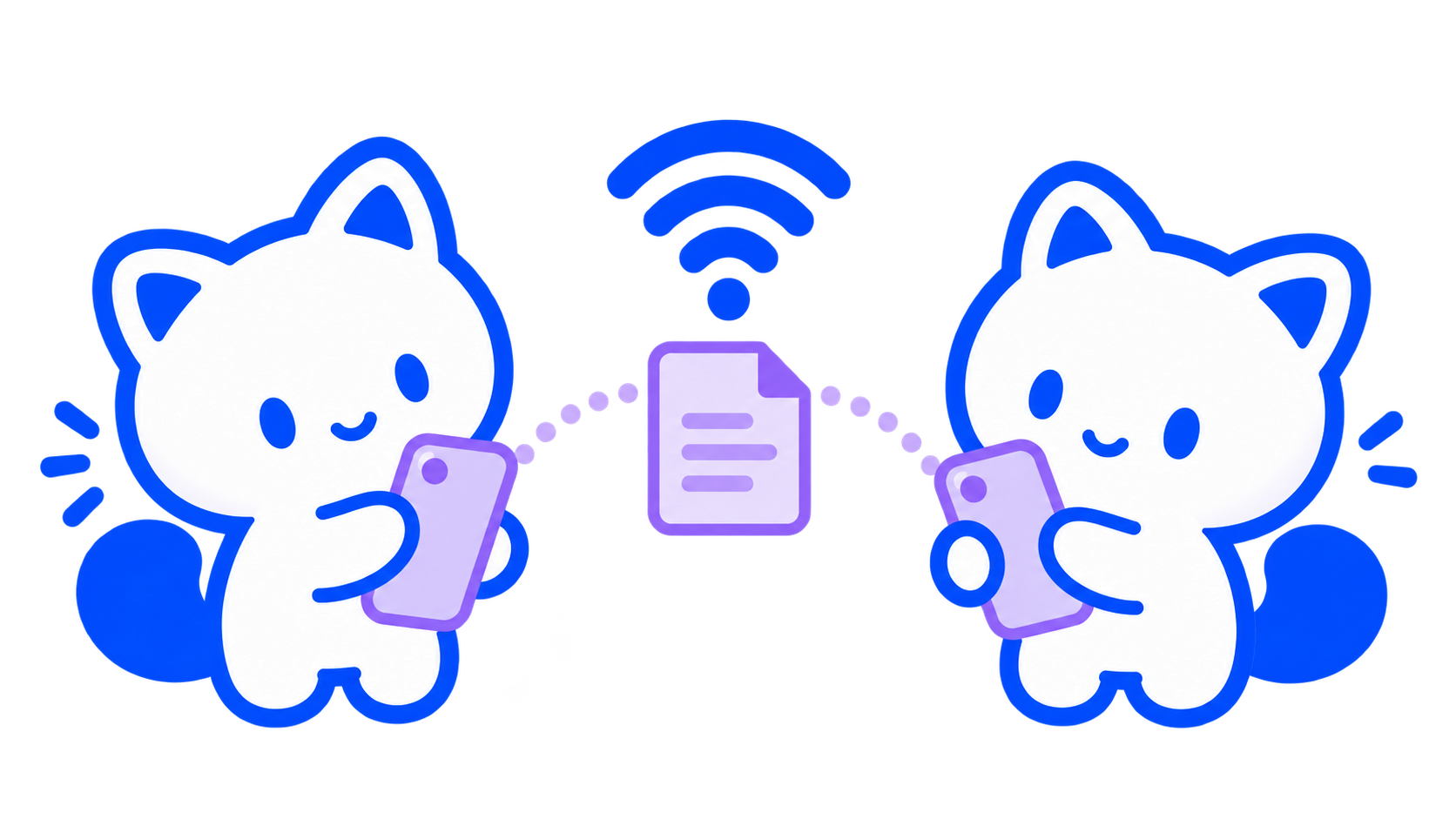
Same network. Good company.
Share directly between devices on a reachable local network. Use the receiver’s private invitation, get their approval, and wait for a saved, verified receipt.
Internet isn’t needed for the transfer. Keep both apps open while the file travels.
ᛒBLUETOOTHA LITTLE CLOSER
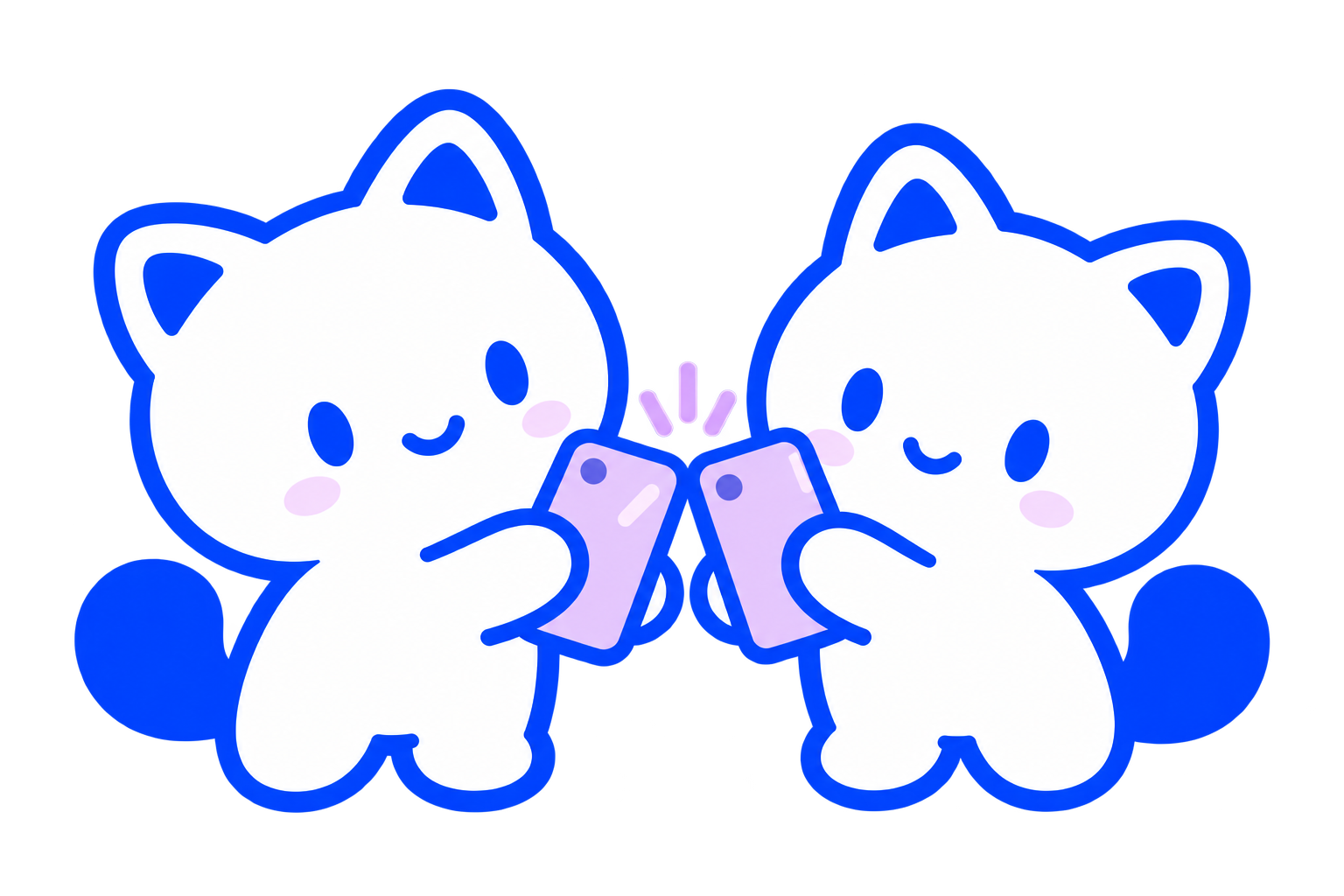
Tap & purr.
Choose a nearby receiver on compatible devices and confirm your file. Save received Bluetooth files before closing the app.
Availability depends on hardware and permissions. Physical contact doesn’t send a file automatically.
File transfers stay on your local network. The browser page needs internet for its first load; once its offline copy is ready, pairing and transfer can work without it. MeowShare’s Start local server action serves the page directly from the installed phone app, so even its first load works offline. Native MeowShare also supports app-to-app Wi-Fi and Bluetooth. Guest networks that isolate devices can prevent connections.
What can I share?+
Choose a single file through your device’s file picker, such as a photo or document. Keep both apps open throughout the transfer. Batch sharing, folders, and background jobs aren’t part of the current app flow.
Can I send files from this website?+
Yes. Local web transfer lets you choose Sender or Receiver when you open it normally. Opening a shared invitation goes straight to Receiver with no role switch. Pair two browsers on the same Wi-Fi using a private invitation and reply; each file needs receiver approval. There is no internet relay or cloud file upload. The sharing desk above remains a sample illustration.
Which device starts the local server?+
The device running the installed MeowShare app hosts it. Choose Start local server in the app, then open its private QR link in another device’s browser on the same Wi-Fi. The browser connects as a client to send or download files; it does not start a server. Files can travel both ways without internet. This local HTTP mode shows an Unencrypted transfer notice; use Wi-Fi you trust and keep the app open. The separate browser-to-browser tool uses encrypted WebRTC.
How do I get MeowShare?+
MeowShare is currently available to invited internal testers. Public downloads aren’t available yet. If you already have the beta, the support page can help you get started.